1. Shop my Full Pack presets – after purchase, your file will be ready to download in your order page .
2. From your phone , after you have downloaded my link , navigate to the Presets Mobile file and UNZIP it.
3. Open it and save the files into your Apple files or Dropbox.
4. Go to the file ‘ Khkiddo Fim Presets Mobile ” (or Destkop if you are using a computer ) and open it . ( if you are using a computer , refer to my instructions guide in the full pack that you downloaded for the next steps )
5 .Download all the DNG pictures files into your camera roll , they all look like the same but they are not ;
6. Now when you have all of your .dng files saved to your phone cameral roll , open the Lightroom Mobile app.
7. Click on the (…) button in the top right corner and choose “Add Photos”.
8. Import ALL the .dng pictures from your camera roll.
9. Open the first dng photo, tap on the (…) top right button and then “Create Preset”. Name it and choose a “Preset Group” where you want to save it ( you can call it KIDDO PRESETS )!
10. Click check mark in the top right corner to save your preset and voila!
11 -Do this until all the files are saved ( there is 20 of them ; no woories it is very fast and easy )
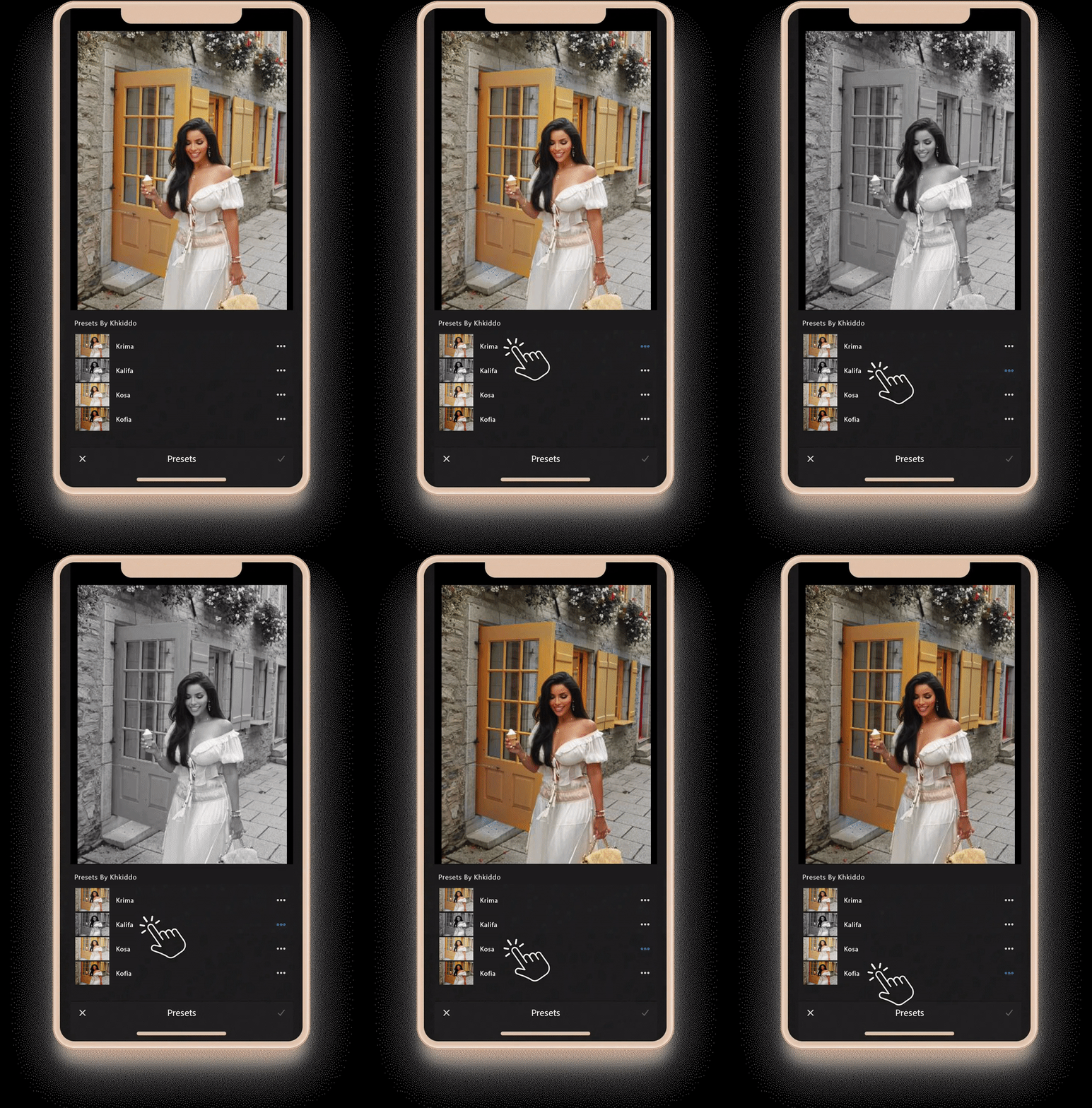
12- Now open a picture you want to edit , click on presets and select which one you want for the beautiful aesthetic)
Get moody , film vibes edited photos in just seconds!